


Overview
Long recognized as the underlying backbone for Linux kernel initramfs images and legacy Unix backup utilities, cpio remains an indispensable command-line packaging tool. Operating across three primary operational paradigms—copy-out (-o), copy-in (-i), and copy-pass (-p)—this utility delivers granular control over file archiving and tree migration. This step-by-step tutorial walks you through practical scenarios on Ubuntu, demonstrating how to construct archives, inspect payloads, perform fail-safe extractions, and integrate real-time compression pipelines.
1. Setting Up cpio and Building Basic Archives (Copy-Out Mode)
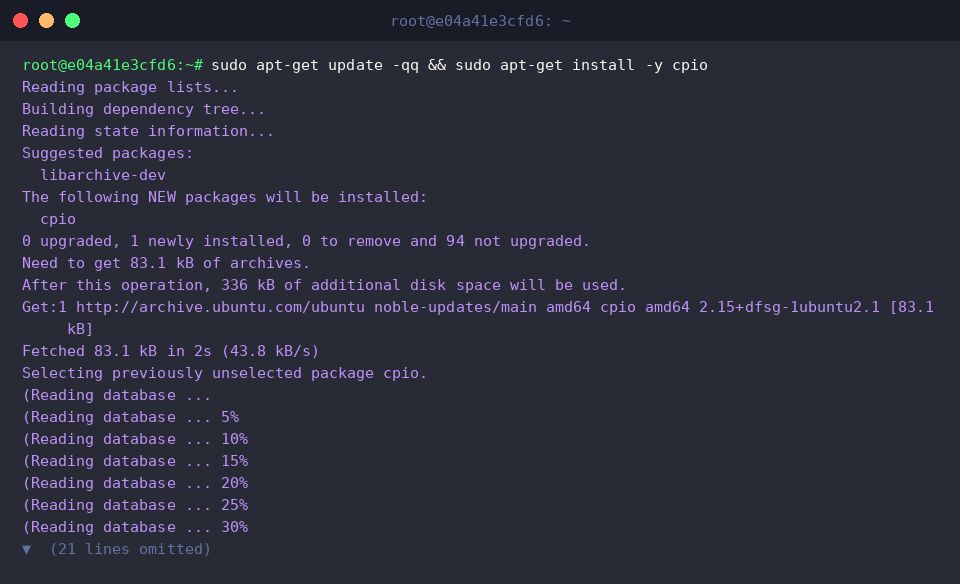
Begin by refreshing the APT repository cache and installing the standalone cpio package on your Ubuntu machine.
Next, initialize an isolated workspace containing sample text assets to serve as our target payload.

Unlike tools that accept file lists directly as command-line arguments, cpio reads file paths strictly via standard input (stdin) and bundles them into an archive stream dispatched to standard output (stdout).
Pipe the directory listing directly into cpio to assemble our first container file (archive.cpio).
⚙️ [Essential Command Flags]
-o (--create) : Invokes copy-out mode to generate a new archive payload from standard input.-i (--extract) : Activates copy-in mode to inspect or unpack files stored within an archive.-p (--pass-through) : Initiates copy-pass mode to mirror entire directory structures directly without writing an intermediate archive blob.-v (--verbose) : Outputs real-time progress indicators detailing processed file names.-t (--list) : Produces a table of contents showing encapsulated members without writing anything to disk.-d (--make-directories) : Ensures missing target subdirectories are automatically initialized during unpack operations.-u (--unconditional) : Forces overwriting of any pre-existing files regardless of timestamps.-H (--format) : Configures the container format explicitly (such as crc, newc, tar, or bin).

Verify the resulting archive artifact and review its size footprint using human-readable metrics.

2. Inspecting Archive Payloads and Extracting Assets (Copy-In Mode)
Before unpacking untrusted or newly packaged bundles, audit the encapsulated metadata and permission masks non-destructively by pairing the -t query flag with verbose logging (-v).
Passing the archive stream into standard input allows you to evaluate every stored asset safely before staging changes on the file system.

Set up a clean target directory to isolate the recovery operation.

To restore encapsulated files from archive.cpio into the active workspace, execute cpio with -idv.
Combining automatic directory provisioning (-d) with verbose progress reporting (-v) guarantees a seamless extraction without path-collision failures.

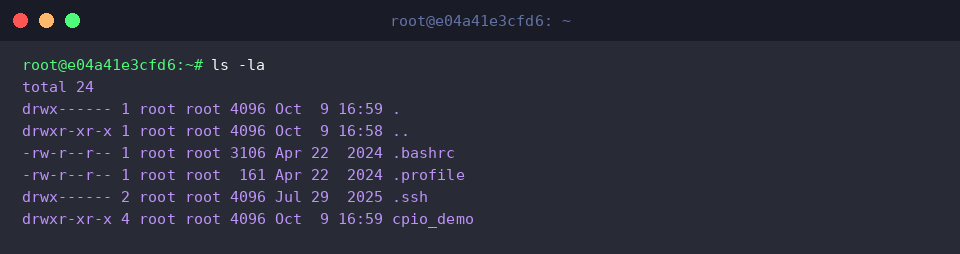
Check the current directory state to confirm that all payload entries have been restored accurately along with their permissions.
3. High-Speed Directory Cloning via Direct Streaming (Copy-Pass Mode)
To explore on-the-fly directory migration, seed the source workspace with nested subdirectories and supplementary text records.

Now create the destination directory designated to receive the cloned directory tree.

Navigate to the source directory and utilize find to traverse the file hierarchy. By piping path items into cpio operating in copy-pass mode (-p), the utility clones the directory tree directly into the target path without allocating temporary archive files on disk.
Enforcing directory generation (-d), timestamp preservation (-m), and descriptive reporting (-v) preserves file metadata and directory hierarchy across filesystems.

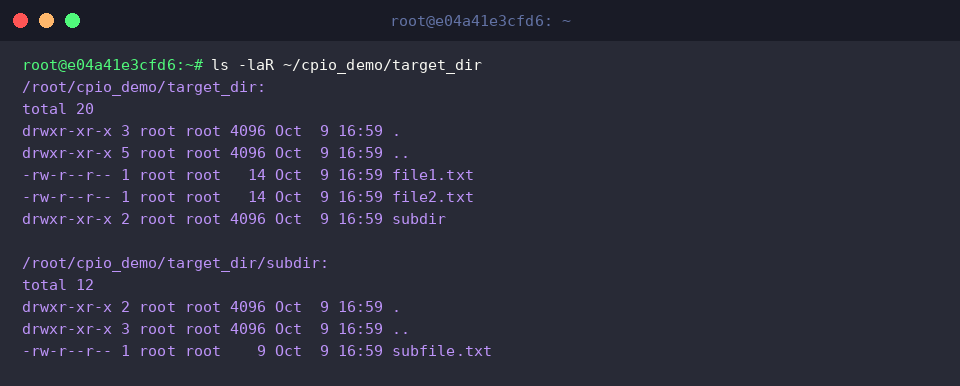
Perform a recursive directory listing to validate that the entire tree structure, down to individual file attributes, was duplicated without omissions.
4. Modern SVR4/CRC Formats and Real-Time gzip Compression Pipelines
Switch back to the source directory and couple find with the newc SVR4 portable format—the modern industry standard adopted by modern Linux kernel ramdisks. By piping the generated byte stream directly into gzip set to maximum compression (-9), you can produce a production-grade compressed ramdisk package (initramfs_sample.cpio.gz) in a single line.

Authenticate the output format of initramfs_sample.cpio.gz with the file utility to verify that it matches valid gzip binary payload specifications.

Allocate a fresh restoration environment to safely test decompression and unpacking workflows.

By pairing zcat (which streams decompressed content directly to stdout) with cpio -idv, you can uncompress and populate the source files into the active folder without staging uncompressed intermediate tarballs.

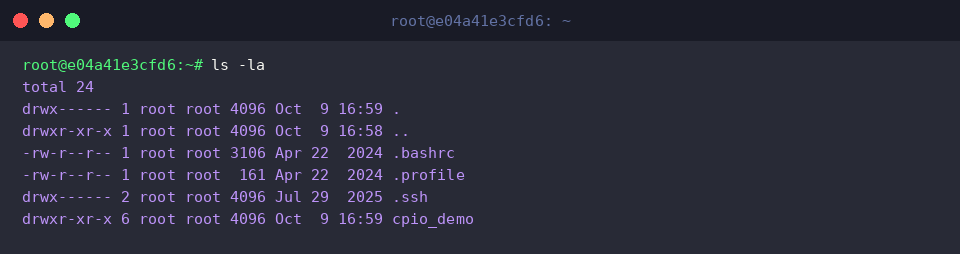
Conclude the workflow by running an exhaustive directory audit to ensure that every visible and hidden file from the original hierarchy has been reconstructed faithfully.
You now possess a complete working grasp of cpio operations across modern Ubuntu and enterprise Linux distributions.
Whether building initramfs boot images, mirroring nested filesystem hierarchies, or constructing lightweight backup pipelines, combining these flags with standard Linux stream processing offers immense flexibility for systems administration.