


Overview
Whenever systems change, security standards evolve, or user account layouts get reorganized on a Linux server, relocating existing GnuPG keyrings and configurations becomes a critical maintenance task. Manually copying files often leads to broken paths or permission nightmares. The addgnupghome utility streamlines this transition by setting up and transforming target GnuPG home directory structures safely. This tutorial breaks down how addgnupghome operates under the hood, walking through a full staging workflow to migrate, inspect, and secure cryptographic key stores.
1. Preparing the GnuPG Environment and Inspecting addgnupghome
Before executing any keyring migration tasks, ensure that both core packages—gnupg and gpgv—are installed and updated across your distribution.
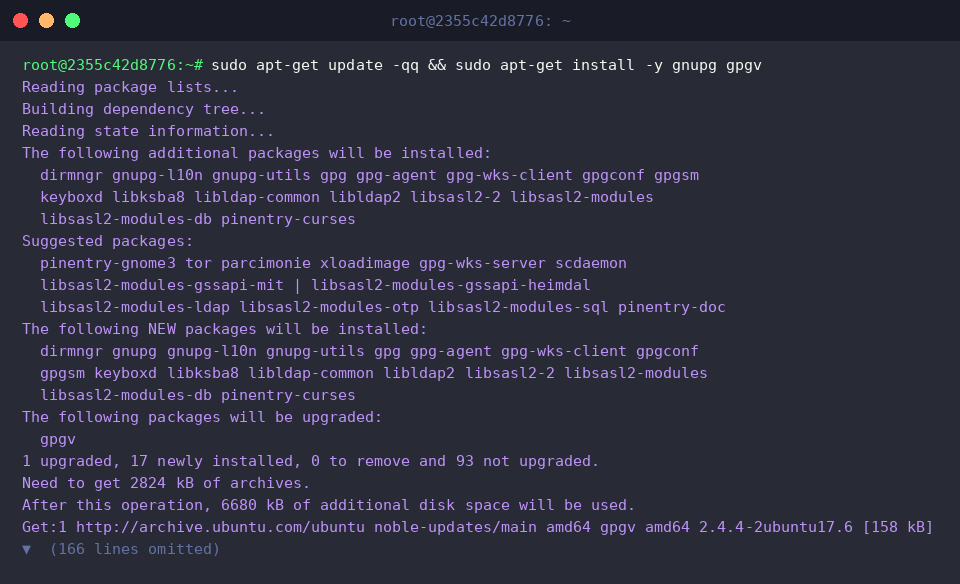
Verify that the system recognizes the binary by querying its absolute executable path with which. It typically resides inside /usr/sbin/addgnupghome.
The addgnupghome utility acts as an administrative helper tool responsible for generating or updating standard GnuPG directory structures (~/.gnupg) across targeted user profiles and custom paths.
⚙️ [Primary Argument]
account : Declares the destination account identity or filesystem target meant to receive the populated GnuPG home directory layout.

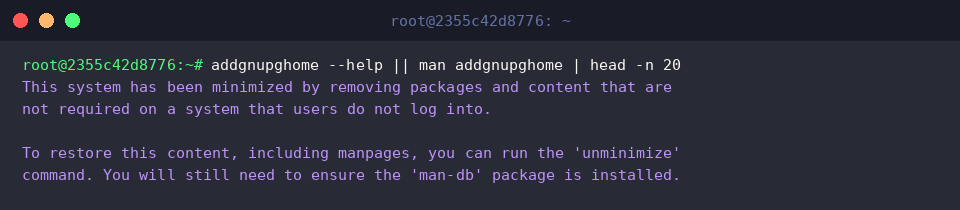
Query the command-line help flags or manual documentation to inspect parameter specifications.
Note that minimal cloud images and containerized Ubuntu environments frequently strip out precompiled man pages, which may trigger a fallback notification instead.
2. Setting Up an Isolated Legacy GPG Staging Directory and Test Keys
To keep production keyrings untouched during testing, spin up an isolated staging folder under /tmp/legacy-gnupg and lock its permissions down to 700.

Next, populate this source directory with an automated test key using gpg --quick-generate-key.
Targeting our custom workspace (--homedir /tmp/legacy-gnupg), this non-interactive batch command provisions a disposable dummy identity valid for twelve months without prompting for a passphrase.

Run ls -la across the newly generated repository to ensure that standard cryptographic artifacts—such as the keybox database (pubring.kbx), trust metric table (trustdb.gpg), and private key storage—were written properly.
3. Transferring GPG Data Using addgnupghome
Prepare the target destination folder by executing mkdir -p /tmp/new-gnupg.

Invoke addgnupghome by passing both source and target parameters to migrate all keyrings and configurations from /tmp/legacy-gnupg straight into /tmp/new-gnupg.
The process executes cleanly without errors, porting over all underlying keys while transforming directory hierarchies into the expected format.

Inspect the destination path using ls -la /tmp/new-gnupg to audit the newly transferred structure.
The directory listing confirms that the keybox files and subfolders have transferred successfully.

4. Validating Key Ring Integrity and Hardening Directory Permissions
Ensure that GnuPG recognizes all relocated certificates by explicitly instructing it to read from the migrated destination via gpg --homedir /tmp/new-gnupg --list-keys.
This step confirms that the public keys, user signatures, and encryption subkeys remain completely accessible in their new location.

Strict POSIX file permissions are mandatory when handling cryptographic material. Apply standard hardening practices by enforcing mode 700 on the root directory and mode 600 on all individual internal files.
Restricting permissions ensures that only the authorized owner retains read/write access, satisfying GnuPG security audits and preventing unauthorized key exposure.

Execute ls -ld to confirm that the directory attributes show drwx------ (mode 700).
This quick check guarantees that no accidental group or world-readable permissions persist after migration.

Once verification is complete, purge the disposable staging environments from the filesystem using rm -rf /tmp/legacy-gnupg /tmp/new-gnupg.
Cleaning up temporary paths leaves the host environment clean of leftover test keys.

Utilizing addgnupghome offers a reliable, scriptable approach to managing GnuPG directory migrations across Linux distributions. Following these staging, verification, and permission-hardening practices ensures your cryptographic assets remain fully functional and strictly protected throughout any system reconfiguration.