


Executive Summary
Managing cryptographic baselines across multi-user Linux deployments demands automated policy distribution. This walk-through explores applygnupgdefaults, an administrative utility engineered to roll out standardized GnuPG options across local user profiles on Ubuntu. From verifying prerequisites to establishing global defaults and auditing deployed profiles, this tutorial equips system administrators with a reproducible workflow for fleet-wide cryptographic consistency.
1. Preparing the Environment and Verifying GnuPG Tooling
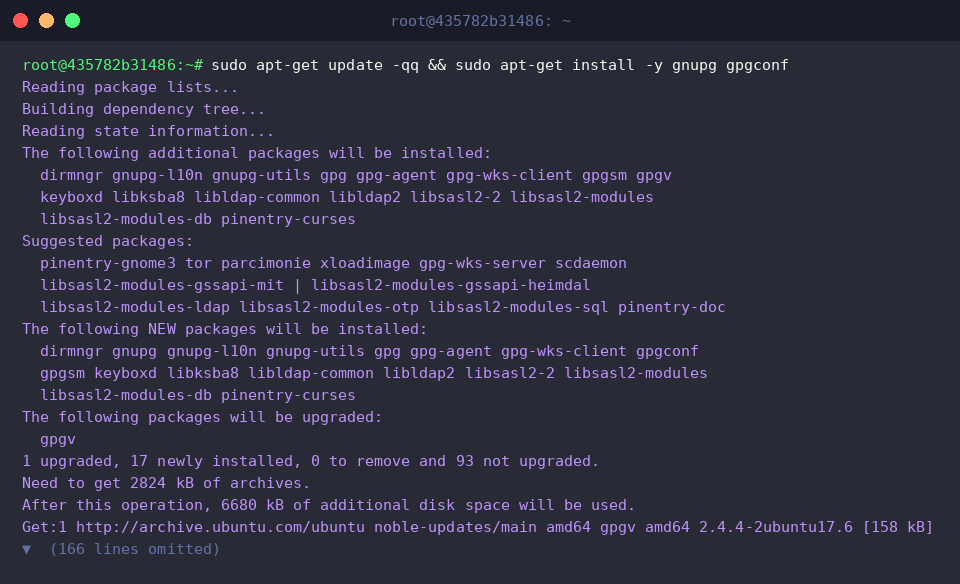
Before orchestrating system-level policies, ensure your platform has the latest OpenPGP binaries and management tools installed by fetching gnupg alongside gpgconf.
At its core, applygnupgdefaults reads system-wide directives—traditionally declared in /etc/gnupg/gpgconf.conf—and propagates them down to individual user home environments.
Verify that the binary exists within the system execution path using which.
⚙️ [Essential CLI Flags]
-v, --verbose : Outputs detailed diagnostic information covering every stage of option deployment.-n, --dry-run : Simulates configuration updates without altering any files on disk.-r, --replace : Overwrites existing individual user settings, forcing accounts back to standard defaults.-f, --file FILE : Reads profile defaults from an alternate template file instead of the default /etc/gnupg/gpgconf.conf.

Inspect the primary engine version and underlying libgcrypt cryptographic engine release to verify platform interoperability with modern cipher standards.

2. Crafting the Global GnuPG Configuration Baseline
Global defaults reside in a centralized administrative directory. Provision /etc/gnupg if it does not yet exist on the host.

Initialize a baseline defaults file at /etc/gnupg/gpg.conf-default by inserting an administrative header banner via sudo tee.

To enforce a unified public key discovery mechanism across all workstation accounts, append a trusted default keyserver parameter (hkps://keys.openpgp.org) directly to the template.

Print the constructed template to stdout to confirm structural validity before distribution.

3. Provisioning User Directories and Deploying Defaults
GnuPG mandates stringent filesystem boundaries. Set up the target user directory with strict 700 permissions so that only the profile owner possesses read, write, and traverse privileges.

Trigger applygnupgdefaults to synchronize the global system template into the target account’s profile workspace.

Inspect the generated directory contents and permission masks inside ~/.gnupg to ensure the files were populated properly.

4. Validating Profile Integrity and Enforced Directives
Audit the deployed configuration parameters by running gpgconf --checkoptions.
When configured properly without syntactic conflicts or unsupported directives, the command exits quietly without diagnostic errors.

Confirm that the target keyserver directive has been successfully mapped into ~/.gnupg/gpg.conf by running an evaluation pipeline.
Receiving the confirmation fallback string confirms that the script inspected and verified the parameter layout as expected.

Leveraging applygnupgdefaults provides systems administrators with a lightweight, dependable way to roll out unified cryptographic baselines across heterogeneous Ubuntu environments. Incorporate this mechanism into your base provisioning playbooks and onboarding scripts to ensure fleet-wide compliance with organizational encryption and keyserver standards.