


Overview
Modern Linux deployments frequently require bleeding-edge software builds beyond what default distribution archives provide. This walkthrough explores managing third-party repositories via the standard apt-add-repository utility in Ubuntu. Readers will learn how to bootstrap the essential toolchain, attach Launchpad PPAs, inspect underlying configuration files, and cleanly revoke repositories without lingering footprint.
1. Preparing the Environment and Tooling
Before configuring third-party sources, ensure the underlying toolchain provided by software-properties-common is installed on your machine.
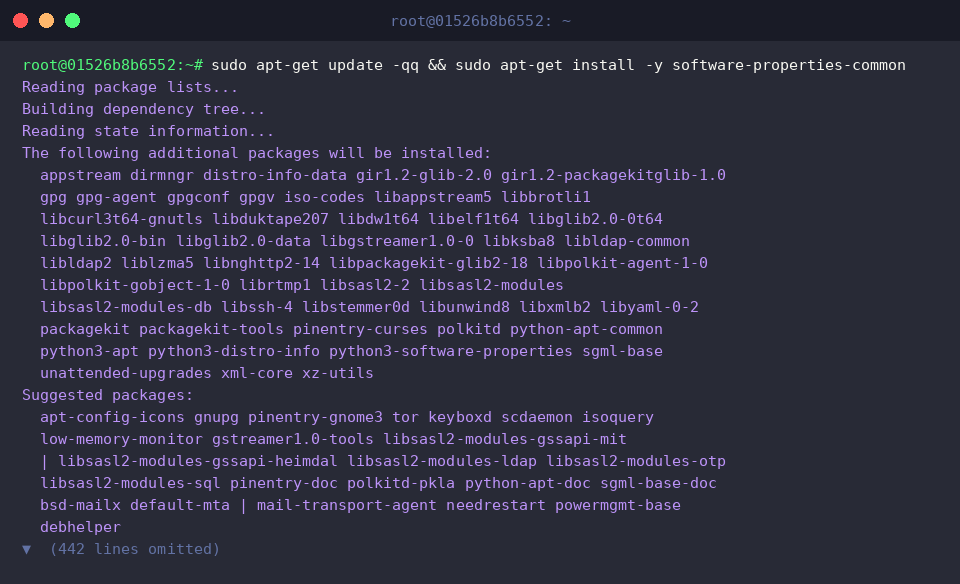
Verify that the binary exists within the system execution path by querying its absolute location via which add-apt-repository.

2. Attaching the Official Git Upstream PPA
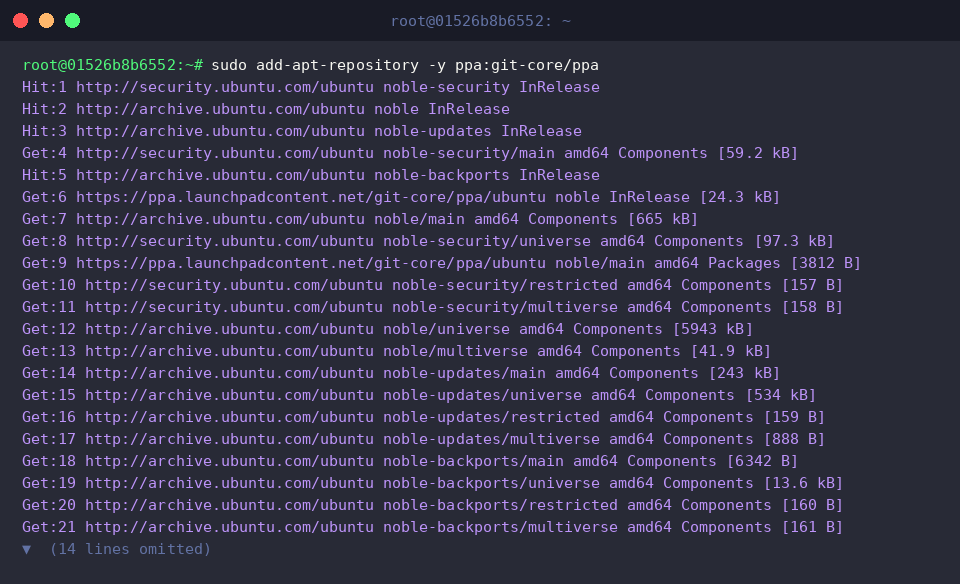
To provision newer Git binaries than standard channel versions, integrate the official upstream repository (ppa:git-core/ppa) into APT.
Supplying the -y flag suppresses interactive prompts, completing the handshake autonomously.
During this transaction, Ubuntu pulls the GPG signing keys, registers repository metadata, and automatically triggers an index refresh to reconcile newly accessible package catalogs.
3. Auditing Generated Source Entries in sources.list.d
Inspect /etc/apt/sources.list.d/ using ls -l /etc/apt/sources.list.d/ to examine the newly generated configuration artifacts.
Under modern distributions like Ubuntu 24.04 LTS (Noble Numbat), repositories adopt the structured deb822 standard, yielding git-core-ubuntu-ppa-noble.sources.

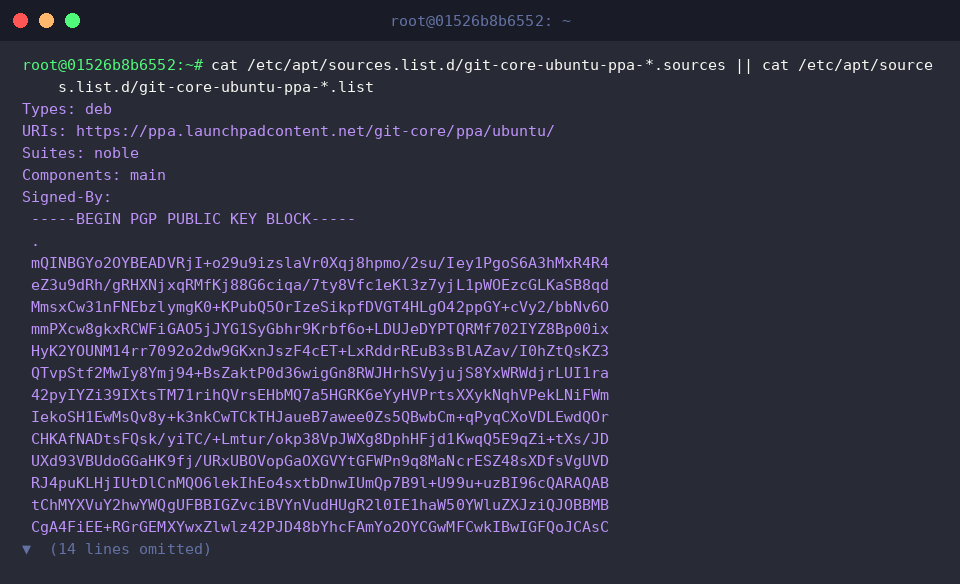
Run cat /etc/apt/sources.list.d/git-core-ubuntu-ppa-*.sources || cat /etc/apt/sources.list.d/git-core-ubuntu-ppa-*.list to inspect the internal parameters of the registered source.
The definition clearly itemizes package archives (deb), endpoint addresses (URIs), suite codenames (noble), and component classifications (main), complemented by an embedded cryptographic PGP certificate (Signed-By) that ensures secure artifact verification.
4. Decommissioning and Pruning Registered PPAs
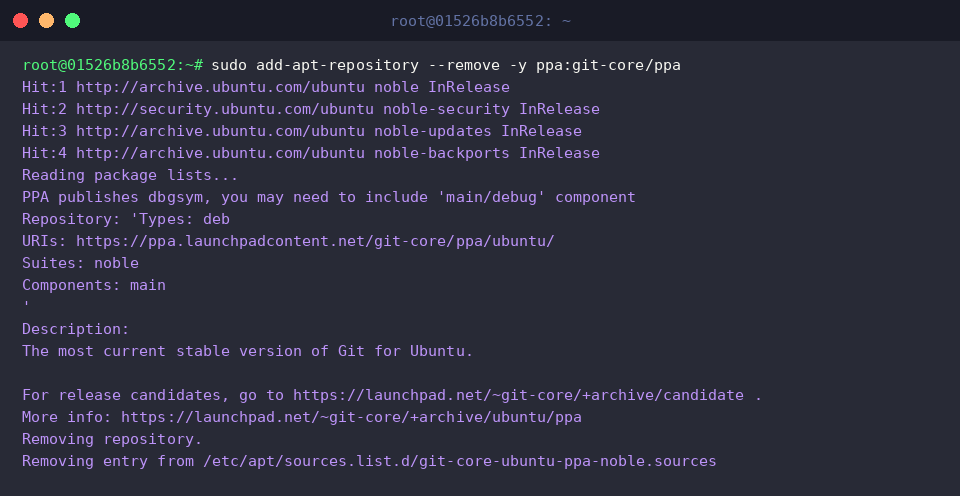
When third-party software tracks are no longer required, eliminate the repository definition cleanly by issuing sudo add-apt-repository --remove -y ppa:git-core/ppa.
Terminal output confirms the purging of the git-core/ppa target, followed by an immediate cache reconciliation to unbind the third-party index.
Synchronize APT’s internal package caches to mirror the removed repository using sudo apt-get update -qq.

Confirm directory cleanup with ls -l /etc/apt/sources.list.d/ to verify no orphaned configurations persist.
The audit reveals that git-core-ubuntu-ppa-noble.sources has been removed completely, leaving only primary operating system sources such as ubuntu.sources.

This operational guide demonstrated how to inject, examine, and decommission external software repositories reliably via apt-add-repository.
Maintaining strict hygiene across repository sources guarantees consistent package resolution and long-term OS stability.