


Overview
Decommissioning intertwined block devices—spanning active file system mounts, Device Mapper mappings, and Logical Volume Manager (LVM) structures—frequently introduces administrative friction and unmount errors. Rather than navigating theoretical manual pages, this practical walkthrough builds a sandboxed loopback and LVM testing environment from scratch, demonstrating how to gracefully disengage and tear down the entire storage stack using the blkdeactivate utility.
1. Setting Up the Toolchain & Exploring blkdeactivate Syntax
Before orchestrating block-level deactivations, ensure the host system has the necessary device management packages by provisioning lvm2 and util-linux.
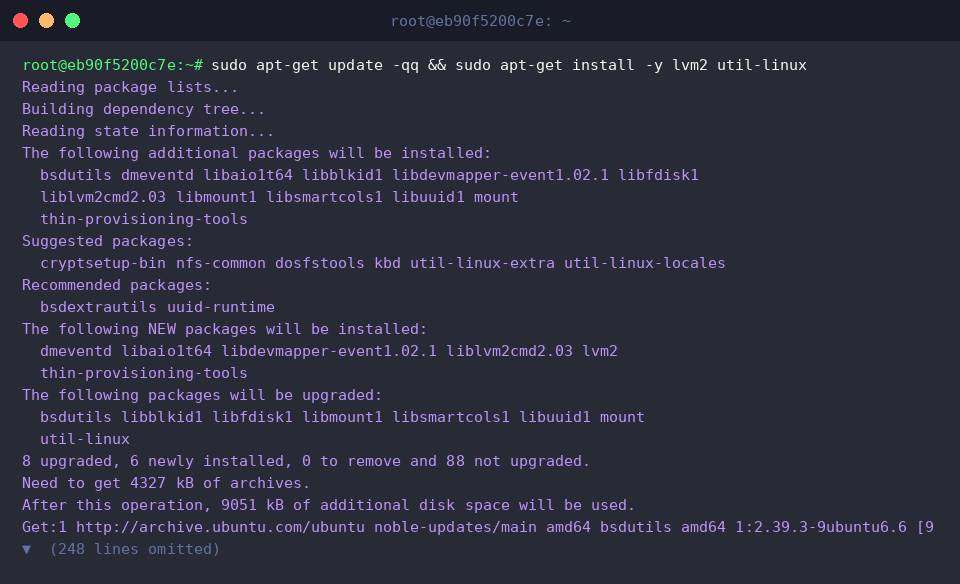
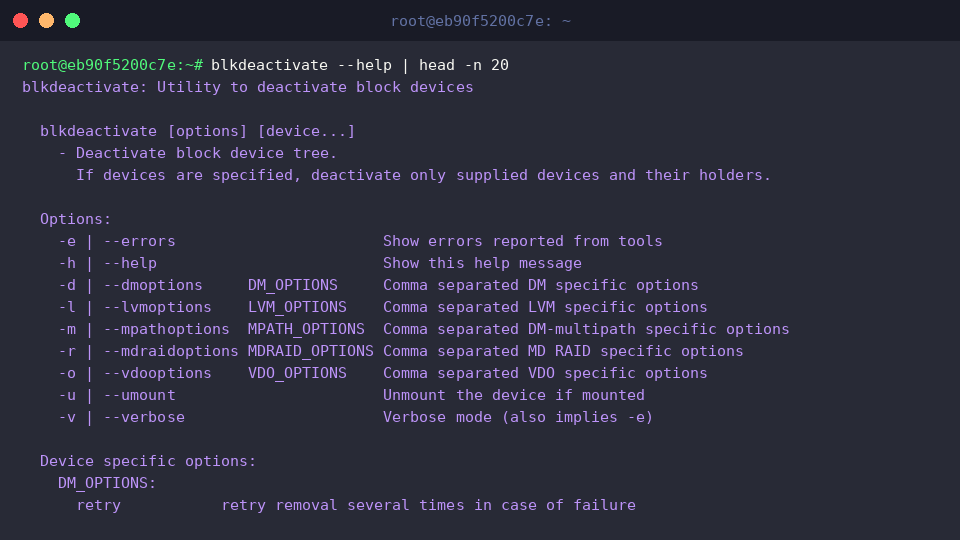
At its core, blkdeactivate serves as an automated teardown coordinator capable of untangling complex dependencies across mounts, device-mapper targets, and volume groups in one unified pass. Reviewing the tool’s runtime flags reveals its control scope:
⚙️ [Key Parameters]
-e (--errors) : Surfaced error outputs from underlying system binaries are printed directly to the terminal.-u (--umount) : Automatically detaches any active mount points bound to the target block hierarchy.-d (--dmoptions) : Accepts specific flags passed straight to Device Mapper operations.-l (--lvmoptions) : Passes comma-delimited configuration switches to fine-tune LVM deactivation routines.-m (--mpathoptions) : Controls teardown behavior across multipath I/O topologies.-r (--mdraidoptions) : Configures deactivation flags targeted at software MD RAID arrays.-h (--help) : Displays command usage guidelines alongside the complete flag index.
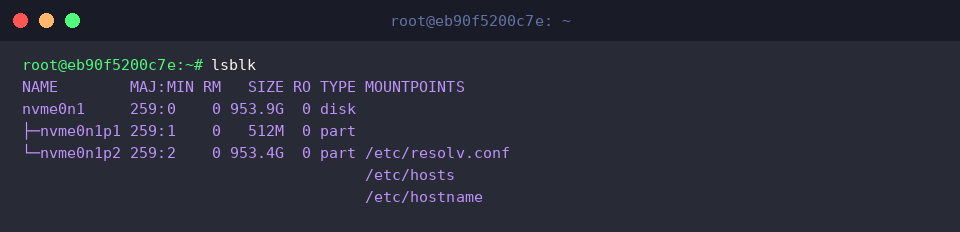
Querying lsblk provides an initial baseline snapshot of the current block hierarchy and volume distribution across the host machine prior to deploying test volumes.
2. Constructing a Layered Test Environment: Loop Devices & LVM
To observe teardown mechanics safely without touching physical production drives, we initialize a dedicated mount directory alongside a 100MB blank image container.

Next, the raw image is attached to an available loop interface, forming the backing store for a fresh LVM Physical Volume (PV), Volume Group (VG), and fully allocated Logical Volume (LV).

An ext4 filesystem is laid down over /dev/test_vg/test_lv and immediately linked to the /mnt/blk_test directory.

Verifying the active volume layout with df and lsblk confirms that our stacked volume hierarchy is fully operational and mounted.

3. Dry-Run Validation: Assessing Impact Before Execution
Invoking blkdeactivate with -u and custom device-mapper arguments allows system administrators to evaluate targeted volumes (/dev/test_vg/test_lv) safely. When conflicting or unsupported sub-options are supplied, the command aborts gracefully with descriptive notices rather than altering storage states.

Confirming the target through df demonstrates that simulated runs leave the live filesystem at /mnt/blk_test untouched and fully accessible.

4. Executing Safe Unmounting and Full Block Deactivation
Supplying the -u and -v parameters prompts blkdeactivate to sequentially unmount the filesystem residing on /dev/test_vg/test_lv and subsequently shut down the underlying block layers. If the target has already been cleanly unmapped or disabled beforehand, informative feedback indicates the device is no longer reachable.

Checking the test directory with mountpoint verifies that the file hierarchy has been completely disengaged.

Inspecting the volume via lvdisplay demonstrates that the logical volume has transitioned out of service, returning no active LV Status entry.

To finalize the exercise and release host resources, systematically purge the testing volume group, release the loopback attachment, remove the temporary file, and prune the empty mount path.

Leveraging blkdeactivate eliminates the friction of manual, multi-stage volume teardowns by safely orchestrating unmounts and device deallocations in complex Linux storage architectures. Incorporating this automated approach into your administrative routines significantly minimizes operational risks during maintenance cycles.