


Overview
Network discovery and vulnerability auditing on Linux infrastructure fundamentally rely on nmap (Network Mapper). This hands-on walkthrough covers everything from package provisioning on Ubuntu to launching active port scans. You will also learn how to accurately interpret scan diagnostics, inspect detected listener services, and export actionable audit logs.
Provisioning Nmap and Setting Up a Local Test Target
To prepare our scanning toolkit alongside a dummy service for local probing, execute apt-get update -qq && apt-get install -y nmap python3 to fetch the necessary binaries.
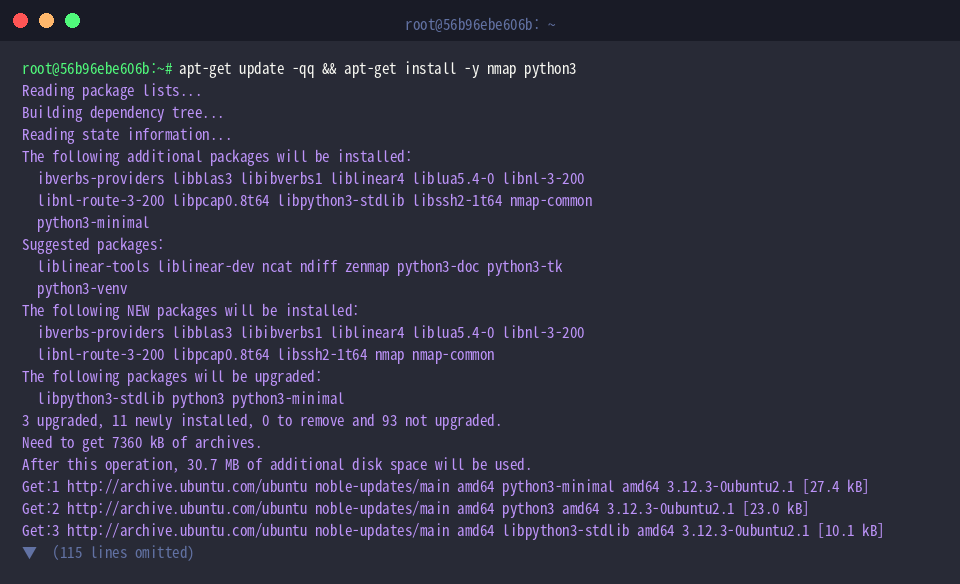
Administrators rely on the nmap utility to evaluate host reachability, discover accessible sockets, and audit active daemons.
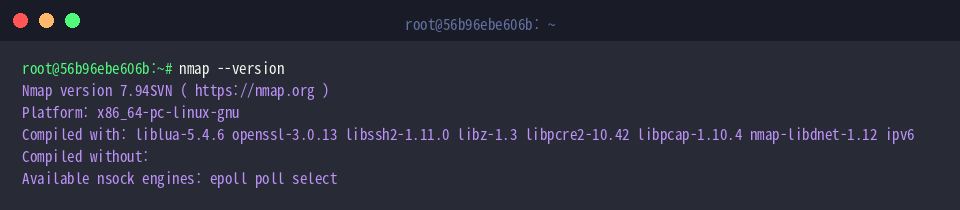
Verify the installed software build and review enabled cryptographic and scanning libraries by running nmap --version.
⚙️ [Essential CLI Flags]
-p : Restricts probing to defined port numbers, ranges, or protocol designations.-sS : Executes a stealthy TCP SYN sweep, identifying open sockets without establishing full handshakes.-sT : Performs a complete three-way TCP handshake connection per examined endpoint.-sU : Audits the availability and listening posture of UDP endpoints.-sV : Probes listening sockets to uncover service names and precise software release strings.-O : Initiates TCP/IP fingerprinting heuristics to deduce the remote operating system.-A : Triggers an aggressive compound scan incorporating OS detection, version discovery, NSE scripting, and traceroute tracing.-v : Increases logging verbosity to provide real-time scanning feedback in the terminal.
To establish an isolated target endpoint for validation, spawn an HTTP listener bound to port 8080 in the background via python3 -m http.server 8080 > /dev/null 2>&1 &.

Allow the daemon sufficient time to initialize socket bindings before issuing probes by invoking sleep 1.

Executing Baseline Sweeps and Target Probing
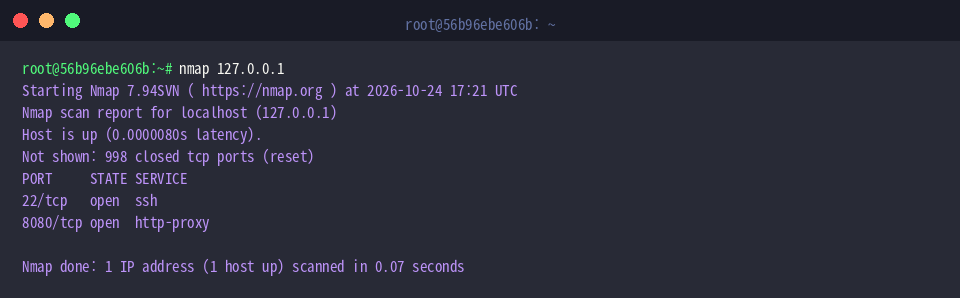
Launch an unadorned inspection against the loopback interface using nmap 127.0.0.1.
When invoked without specific ranges, the engine defaults to querying the top 1,000 frequently encountered TCP ports; it immediately detects the active SSH daemon on port 22 alongside the Python instance on port 8080.
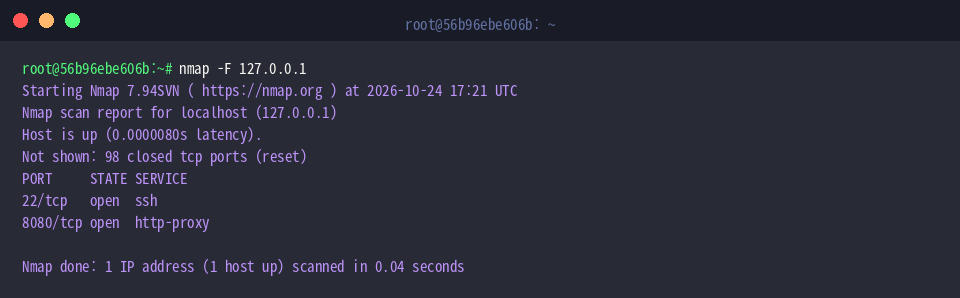
To accelerate reconnaissance during time-sensitive audits, issue nmap -F 127.0.0.1.
Enabling the fast mode (-F) restricts inspection to the top 100 common ports, giving administrators an immediate snapshot of high-priority perimeter services.
Targeting Specific Ports and Fingerprinting Services
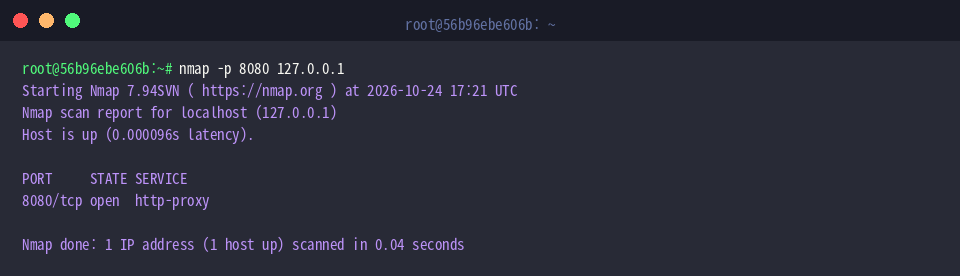
When auditing a single application socket without touching irrelevant ranges, run nmap -p 8080 127.0.0.1.
Isolating the query ensures instant feedback, validating that target port 8080 currently sits in an open state.
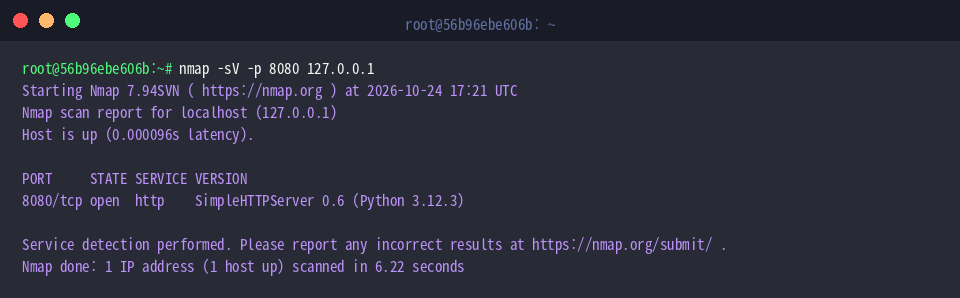
To interrogate the listening daemon beyond its port state, execute nmap -sV -p 8080 127.0.0.1.
The version interrogation engine (-sV) interacts directly with the banner, pinpointing the daemon as SimpleHTTPServer 0.6 backed by Python 3.12.3.
Exporting Scan Reports and Teardown
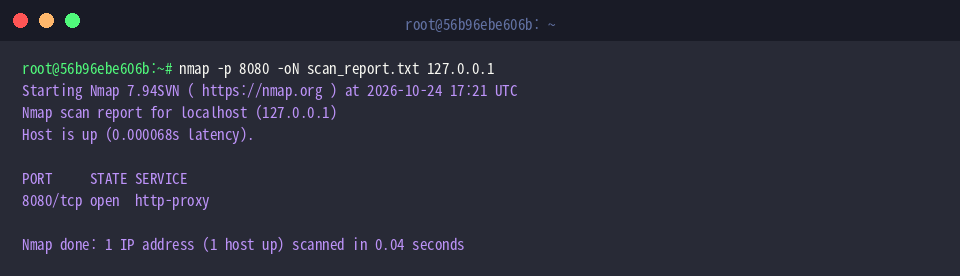
Document audit findings for administrative records or ticketing by executing nmap -p 8080 -oN scan_report.txt 127.0.0.1.
The -oN switch directs standard console output directly into a persistent flat file (scan_report.txt), making historical tracking straightforward.
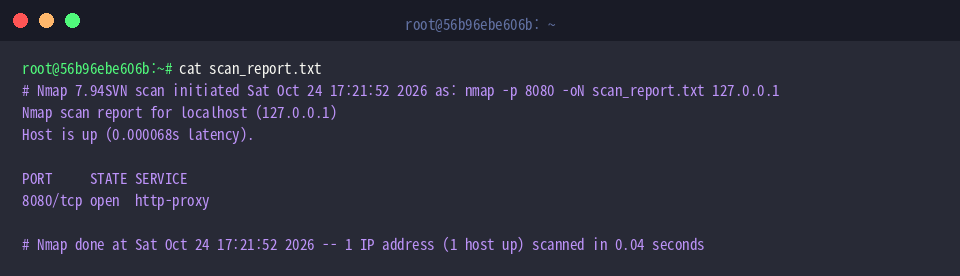
Verify the integrity of the generated flat-text artifact by running cat scan_report.txt.
The file systematically records execution timestamps, selected options, host reachability indicators, and detailed port metrics.
Conclude the test session by terminating the background HTTP daemon cleanly through pkill -f 'http.server 8080'.

You now have a solid command of running foundational Nmap operations on Ubuntu, spanning rapid socket discovery, detailed application fingerprinting, and audit logging. Regularly leveraging these scanning flags allows you to identify unintended listener exposures and keep your systems properly hardened.